Man found the stoplight cameras were activated during yellow lights and decided to cut the wires of it.
Florida Man: Chaotic evil. New York Man: Chaotic good.
Holy shit. Nah dude look up the entire story, it’s INSANE.
The dude got arrested once before this for using a painter’s extension rod to point the stoplight cameras into the sky instead of cutting the wires. He didn’t cut the wires until AFTER he got out after being arrested the first time–which he did after posting facebook videos that prove that the stoplights are intentionally rigged to trick drivers into citations–the yellow lights at intersections with cameras only last THREE SECONDS, as opposed to the five seconds they last at other stoplights without cameras in the same county.
When he cut the camera cords, he reported his deeds to the news -himself,- and then politicians pressured the local police force into arresting him. The local police and sheriff deputies actually SUPPORT him for his actions because the lights have been killing innocent people! During his most recent arrest, one of the Sheriff’s Deputies actually -offered to bail him out-.
When he got home again after these incidents, there was a surveillance camera planted at his house BY THE GOVERNMENT to watch him! His reaction to being surveilled? He painted over the camera in America’s flat out fucking ballsiest “fuck you” to the gubmint I’ve ever heard of.
And it gets EVEN CRAZIER. After painting over the camera, suddenly this guy–his name is Stephen Ruth by the way–started GETTING ATTEMPTS ON HIS LIFE. He reports that a car intentionally tried to hit him in a head-on collision, and after talking about the car to his neighbors, they confirmed that the car in question (Or at least, one that was visibly identical, its occupants included) had been staking out his house! Somebody was legitimately trying to MURDER HIM over his discovery and his actions!
As a final insult to injury, Ruth pointed out that the VAST majority of the cameras were found SPECIFICALLY in lower-to-middle-class neighborhoods. As well, the victims of these rigged stoplights tried to go to the local news station to talk about the deaths of their family members that occurred from the rigging. Aaaand… The local station, “News12″, never aired their interviews.
Remember how I said that, after cutting the cables and calling the local news station, Ruth was arrested because of pressure from politicians? Get this: News12 is actually owned by CableVision, who PROVIDES INTERNET SERVICE TO THE CAMERAS.
Whereas mister Ruth was only trying to help people and save lives, he’s been caught up in a full-blown fucking government conspiracy that’s out for his blood. This guy isn’t Robin Hood, he makes Robin Hood look like a -CHUMP-.
Yes, we haven’t done this in a while… but our inbox and chat are swamped with questions on the subject, so this article was very much needed.
it’s a simple list of art apps, but we know you love those 😀
Enough with the intro, here it is, a list of twelve art apps you may want to check out.
ArtRage is an art program for beginners and professionals. With its minimal interface, it’s easy to keep the essential tools at hand without stealing space from the canvas. Panels can be moved around and tools can be customised. We all know how important it is for digital artists to be able to modify brushes!
Pros: easy to use; friendly interface; essential tools from professional apps available; available for iOS, Android, Windows and Mac
Cons: it may get sluggish with big files and when using big brushes, but performances also depend on the running machine; limited selection of editing tools if compared to Photoshop – ArtRage is more of a painting program rather than an editing one.
Paid
ArtRage Lite is a different version at a cheaper price, mostly for beginners, but also for professionals if they need the essential.
Now free, Sketchbook is the famous app created by Autodesk for various platforms.
Pros: clean, friendly interface; easy to use; professional features
Cons: lack of official tutorials; doesn’t offer as many tools as other apps (it’s down to the essential); paid subscription in Adobe style for the pro version
Free and paid
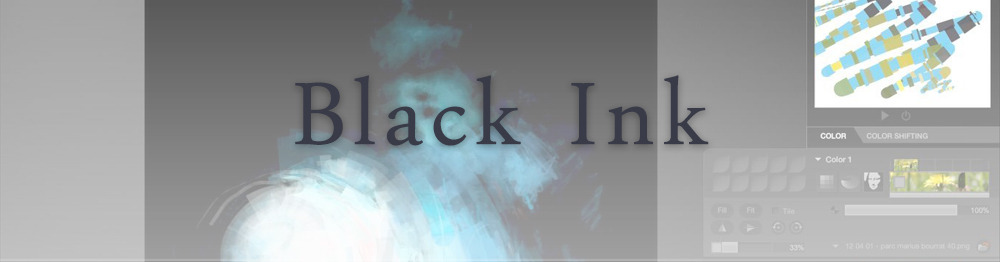
Black Ink is a powerful little program few actually know, but there’s a reason: this isn’t your classing drawing app. What’s cool about it is the vast selection of special brushes, completely non-realistic, and definitely able to boost your creativity.
Pros: vast selection of customisable brushes; excellent performance
Cons: not very easy to use; non-intuitive interface
Paid
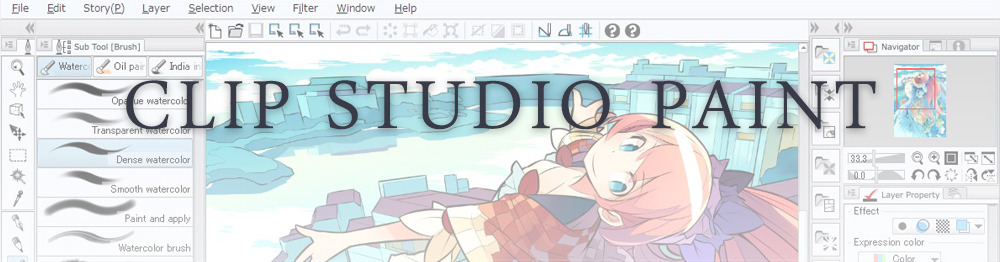
This is probably the most complete software for painting, drawing and animation. It was originally known as Manga Studio, but with its updates and addition of features, it became Clip Studio Paint.
This doesn’t say much about the quality of the features themselves considering the affordable price (if you haven’t used the app yet, that is), but among graphic apps, this one is the top seller.
Pros: professional features for illustrators; layout tools for comic/manga artists; 3D reference models; customisable tools; various sales with special prices
Cons: the interface may not appear intuitive at first; the program may lag (again, performance also depends on the running machine)
Paid
GIMP is the famous open source image editor originally created for GNU/Linux and available for OS X and Windows.
Best known as Photoshop’s main competition, this is a manipulation program for both beginners and professionals who love design.
It offers many professional features, making the program a powerful tool.
Pros: professional editing tools; supports different formats; supported by different platforms; active community
Cons: in spite of the simple design, many options are hidden and it takes time to discover all the features; slow startup
Free
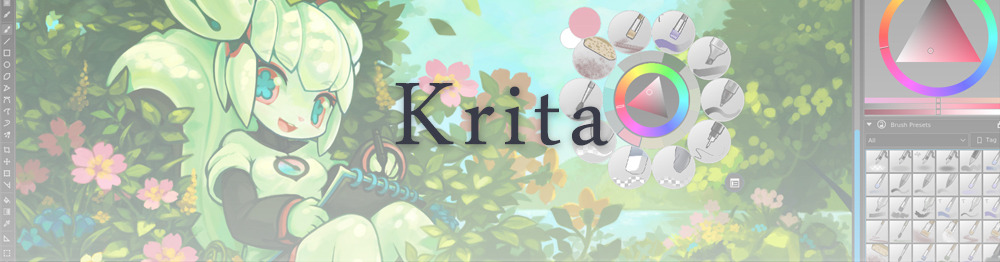
Krita is an open source painting app created by artists for artists.
Pros: easy to use; intuitive interface; great brush workflow; brush stabilizer; customisable brushes; general good performance; very enthusiastic, although small, community
Cons: it may be slow or even crash depending on the running computer and the app’s version; very few editing tools compared to Photoshop
Free
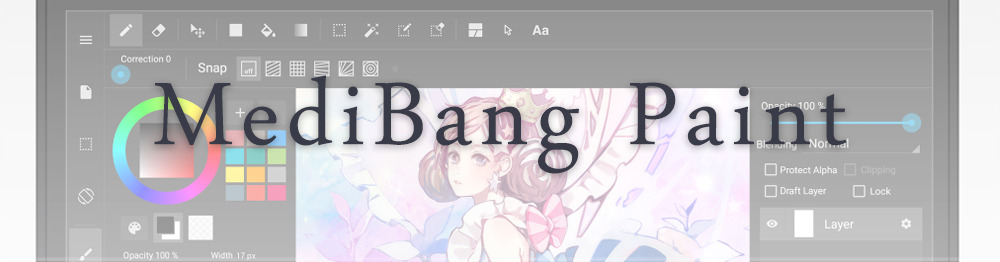
MediBang Paint is a free and light app for drawing and painting, perfect for manga and comic creation.
Pros: vast selection of brushes; cloud sharing; friendly, minimal interface (non-desktop app); also available for iPad, iPhone and Android
Cons: requires an account to use all features; non-intuitive interface (desktop version)
Free
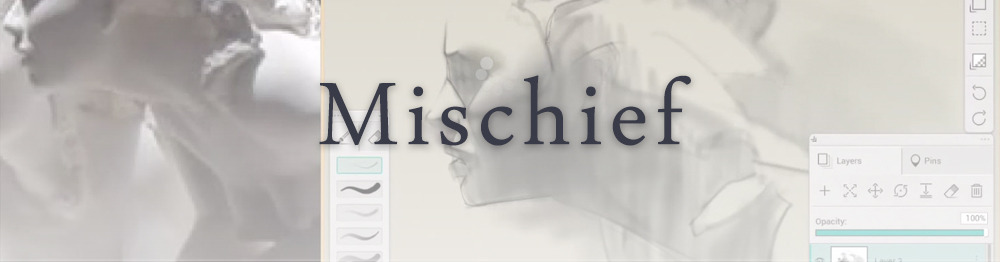
Mischief is a sketching app with essential tools, useful for brainstorming and ideation.
Pros: infinite drawing canvas; friendly interface; easy to use; cheap pro version
Cons: few updates; offers only the essential (but that’s the point); no editing/adjustment tools
Free and paid
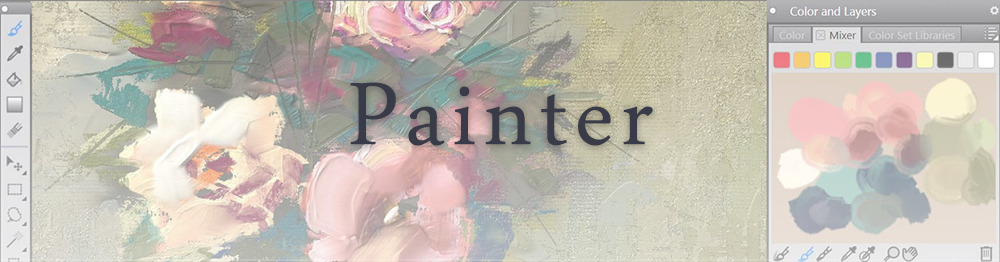
Corel’s jewel, Painter is the most famous software that offers digital tools able to give a traditional feel to brushes and canvas.
Pros: different selection of media; many professional features; PS-friendly
Cons: certain brushes may work slow; not easy to use at first; the software may crash (this is the most common report); pricey
Paid
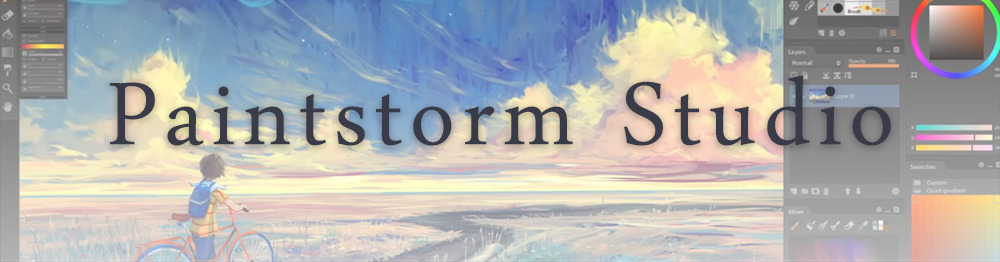
Paintstorm Studio is a professional software for digital painting. It’s focused on the use of brushes and blending, which makes the software a little gem in the digital painting field.
Pros: good brush workflow; brush stabilizer; “close gap” feature; customisable interface and tools; professional features; affordable price
With the very sensitive Apple Pencil, Procreate is so easy to use that many artists chose the iPad over the most famous graphic tablets.
Pros: friendly interface; makes it easy to organise files; excellent brush workflow; customisable brushes; video recording; affordable price
Cons: hidden features; only available for iPad
Paid
SAI is a simple app for artists who want to focus on painting and drawing.
It’s well known for its good pressure support and its essential tools for manga artists, but SAI can be used by any kind of artist who wants to paint.
Pros: easy to use; friendly interface; light software; customisable brushes; tons of (non-official) tutorials
Cons: limited selection of tools, even basic ones; limited canvas sizes and uses; it might crash from intensive work, especially with big canvases and brushes; supports only RGB colour mode; lack of support
Paid
We hope you’ll find this list useful.
If you think there are other apps that should have made this list, don’t hesitate to let us know!
There is an old belief in Serbian villages and small towns that certain pumpkins (and watermelons), when left outside during a full moon, will turn in to a vampire.





 Chartreuse Abstruseness Export